
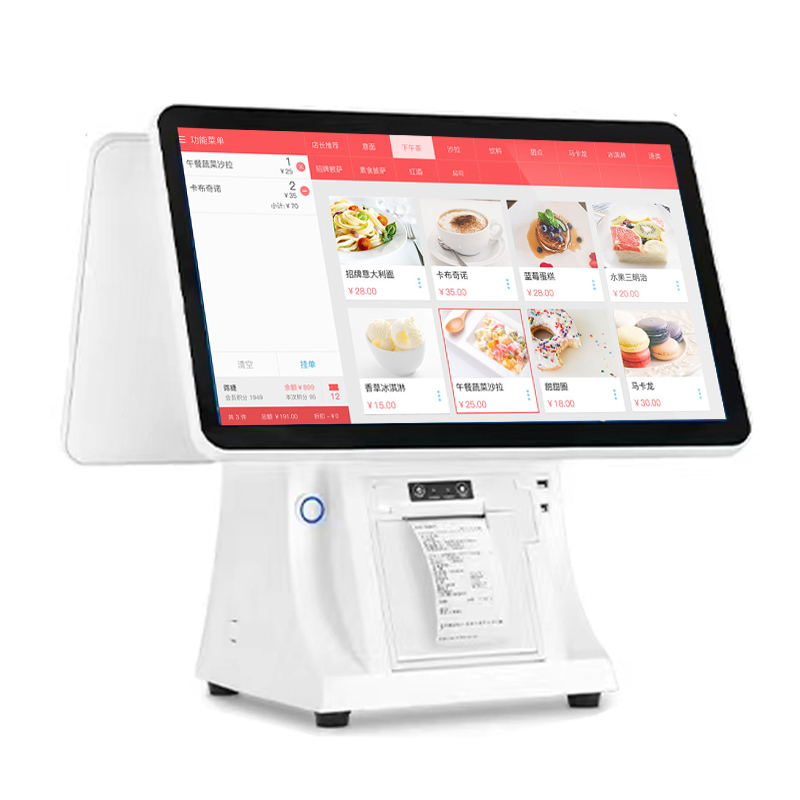
Most POS buying decisions still start with price and end with a spec sheet. For stores that serve international customers, that order is backwards: the interface language decides how fast a transaction runs, and how many mistakes happen at the counter.
Three places language shows up in a store
At the screen. A cashier who reads the interface in their own language finds the discount, void and split-bill buttons without hesitating. That is seconds per transaction, multiplied by hundreds of transactions per day.
On the receipt. A receipt in the customer's language removes the "what did I pay for?" conversation at the counter, which is one of the most common sources of dispute in tourist areas.
In the back office. Reports read in the owner's language are reports that actually get read. Owners who cannot read their own sales report stop looking at it.
What to check before you buy
- Can the language be switched per user, not only per device?
- Does the receipt language follow the interface, or is it fixed at install?
- Does the tax configuration support both inclusive and exclusive tax rates?
- Does the system keep selling when the internet drops?
Our terminals ship with a 26-language interface and per-user language settings. If you are evaluating another vendor, ask those four questions first — the answers tell you more than the spec sheet.